Creating Summaries of Court Filings in DocketBreeze in Seconds
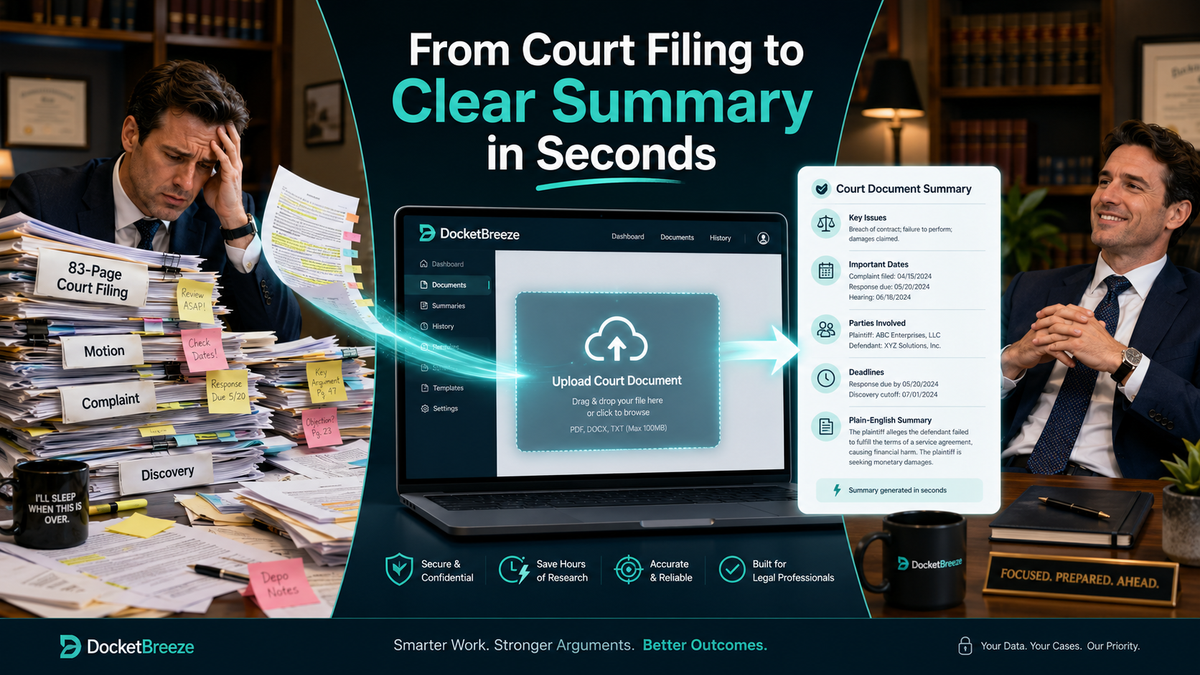
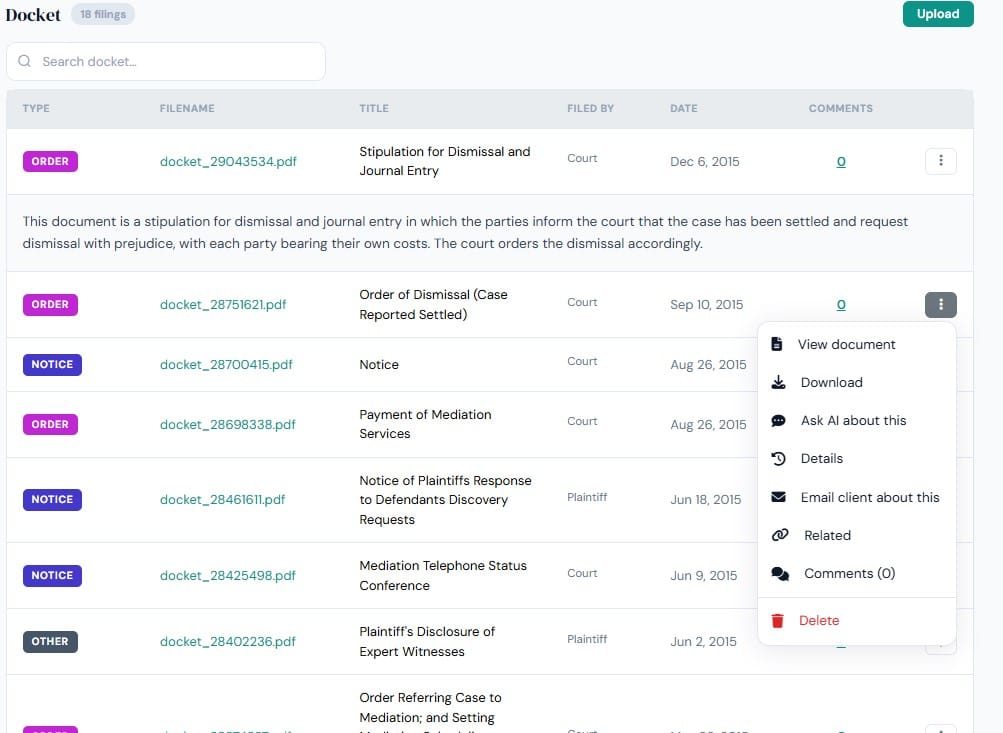
Whether you have a zip file of your filings, a collection of pdfs, jpgs, excel or word docs, within moments of uploading your case into DocketBreeze, a single click on any of the documents in the Docket and a short summary is available for you to view.
But wait, there's more.
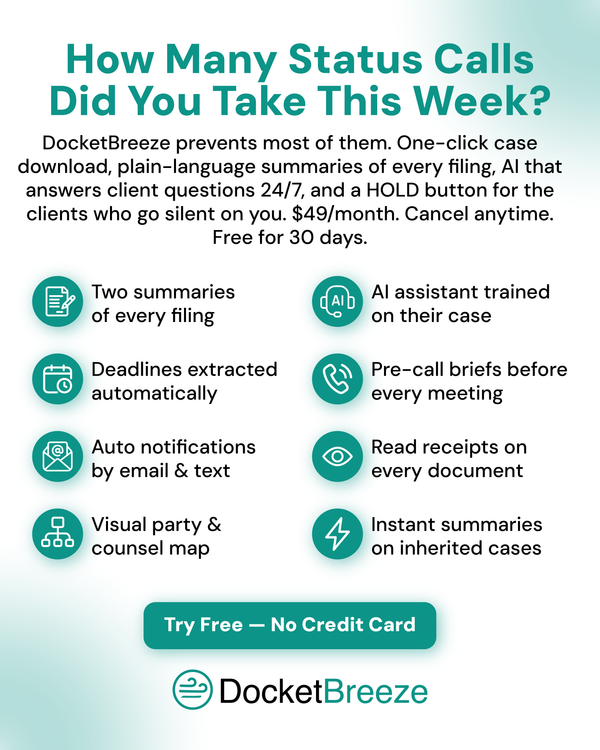
In addition to you being able to access a summary of the document, your client, once you give them access to DocketBreeze, will also be able to have their own summary, and in plain language.
Also available is your ability to view the original document, download it, find related documents from the case, ask the DocketBreeze AI system about it, email the client about it, and make comments on the file for your records.