Switching From Case Status to DocketBreeze: A Practical Guide
DocketBreeze runs month-to-month with no annual lockup. There's no urgency to cancel Case Status the same day you activate — keep both running for a week if you want a safety net.

If your firm has been on Case Status for a year or two and the renewal is approaching, this post is for you. Switching legal software is rarely as bad as it seems before you start, but there are specific steps that make the difference between a smooth transition and a messy one. Here's how the switch to DocketBreeze actually goes.
Step 1: Run DocketBreeze in Parallel for Two Weeks
Don't switch on a single date. The 30-day DocketBreeze trial requires no credit card and runs alongside your existing setup, so the smart move is to load one or two real cases into DocketBreeze while Case Status is still your primary system. You see what each platform does with the same files. Your team forms an opinion based on actual use, not a sales pitch.
Two weeks is usually enough. By the end of it, the team knows whether DocketBreeze fits the practice.
Step 2: Export What You Need From Case Status
Case Status doesn't migrate to DocketBreeze automatically — the two systems are structured differently — but the data you actually need to bring over is smaller than you'd expect:
Active client list with contact information. Export from Case Status as CSV or pull from your case management system (Clio, MyCase, etc.) where it's already synced.
Active case files. These are stored in your case management system, not in Case Status. Nothing to migrate.
Communication history. If you need a record of past Case Status communications, export it as PDF before canceling. DocketBreeze begins logging fresh from the moment you start using it.
Most firms find the migration is a one-afternoon task, not a one-week project.
Step 3: Communicate the Change to Existing Clients
Clients who were using the Case Status app will need to know the firm is changing platforms. The framing matters. “We're upgrading our client experience platform” is accurate and lands well. Send one email that explains: the firm is moving to a new system, the client will receive a setup link in the next few days, the new system uses email and text, and uses a Chrome Extension.
Most clients won't react. A few will be relieved, especially when they see how easy it is to use. The transition is significantly less disruptive than you'd expect.
Step 4: Activate DocketBreeze Across All Active Cases
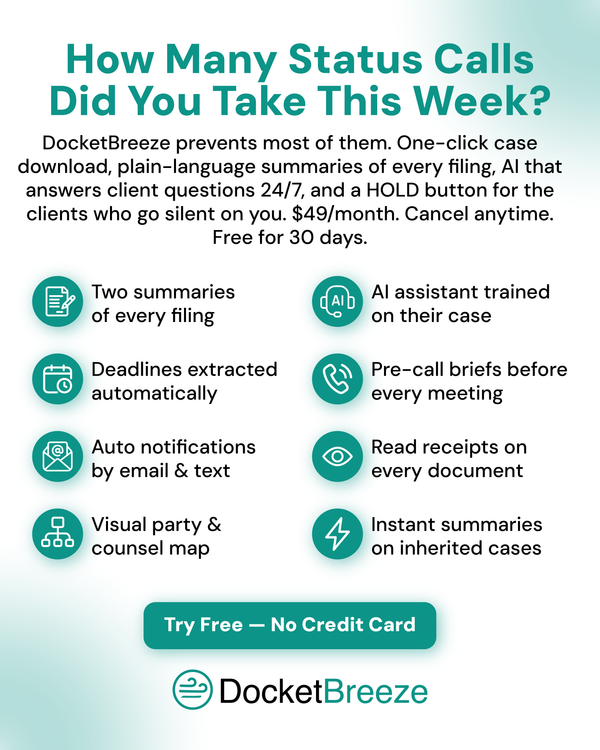
Load filings from your active cases into DocketBreeze. Each one gets dual summaries, deadline extraction, contact list population, and timeline construction within minutes of upload. There's no waiting period.
Invite each active client. They receive an email and text with the setup link. From their side, the experience starts immediately; plain-language summaries, the DocketBreeze AI assistant, the timeline, two-way communication.
Step 5: Cancel Case Status When You're Ready
DocketBreeze runs month-to-month with no annual lockup. There's no urgency to cancel Case Status the same day you activate — keep both running for a week if you want a safety net. Once you're confident, cancel Case Status before your renewal date. Most firms do this within two to three weeks of starting their DocketBreeze trial.
Total elapsed time, beginning to end: about 30 days. Most of that is internal team adjustment, not actual switching work.