Switching From Hona to DocketBreeze: What to Expect
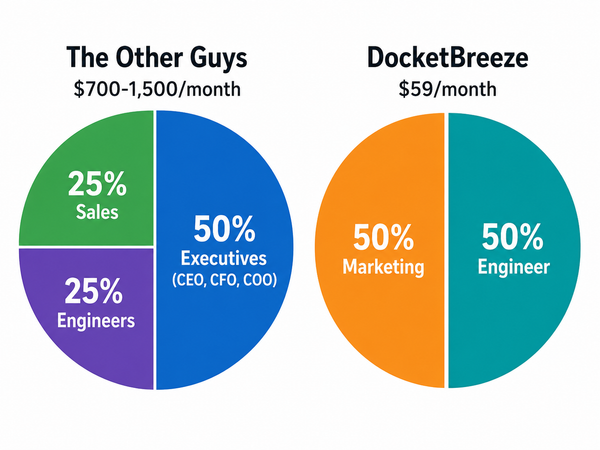
Switching to DocketBreeze priced at $59 a month, $49 on annual plan, there's lot of savings available to put towards that new computer you've been thinking about.

The most common reason firms switch from Hona to DocketBreeze isn't dissatisfaction with Hona, it's a fit issue. Hona was built around case phases that work cleanly for high-volume personal injury and mass-tort practice. Firms that practice across more varied areas — contract litigation, family law, estate, employment, mixed civil — often find the phase-based model harder to apply to their actual work.
If that's the situation prompting your evaluation, here's how the practical switch unfolds.
Start in Parallel
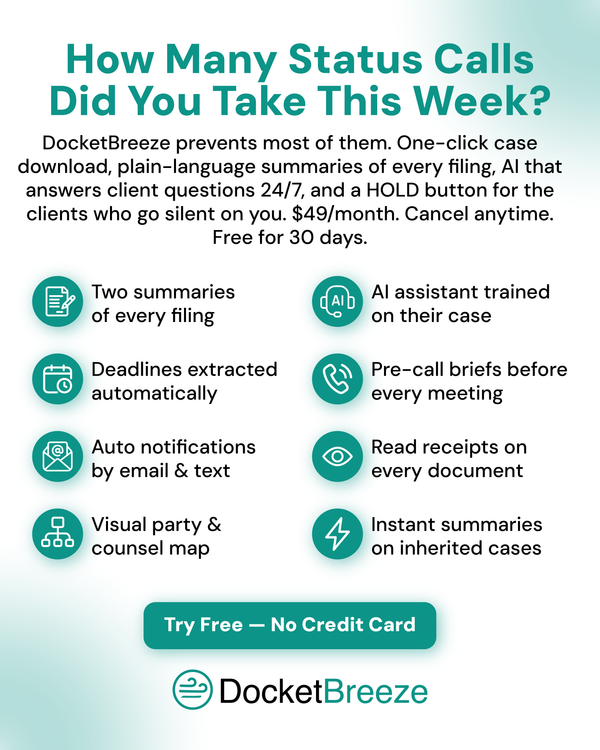
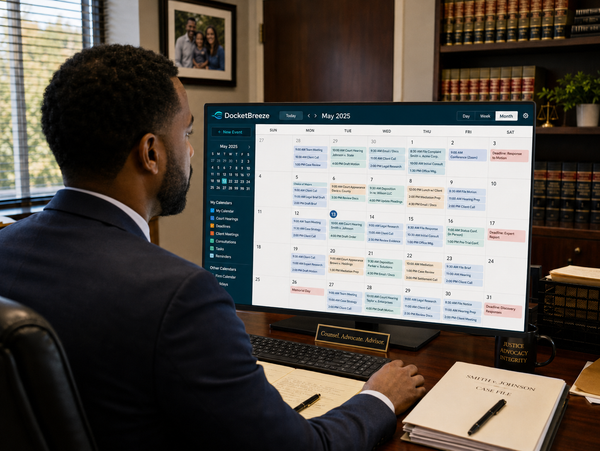
DocketBreeze offers a 30-day free trial with no credit card. Run it alongside Hona for the first two to three weeks. Load filings from one or two real cases into DocketBreeze and let your team see how the document-level approach; each filing summarized in plain language for the client, with deadlines extracted automatically, compares to the phase-based approach in Hona.
If your practice has cases that don't fit the Hona phase template well, the difference becomes visible in the first week.
What Carries Over (And What Doesn't)
Carries over via your case management system: client contact information, case files, calendar entries. If you're on Clio, MyCase, or Filevine — all integrated with both Hona and DocketBreeze — nothing is lost. The data lives in your case management software, not in either client experience platform.
Doesn't migrate automatically: Hona's phase configurations, custom video content, and historical drip campaigns. These are Hona-specific structures that don't have a one-to-one equivalent in DocketBreeze.
That second point sometimes worries firms more than it should. The investment in Hona's phase content is real, but it's also content created for one platform's structure. DocketBreeze's structure doesn't require it. The platform handles client education through case specific, plain-language summaries on each individual filing rather than through pre-recorded videos tied to phases.
Communicate the Change to Clients
Hona clients have an app and a phase tracker. DocketBreeze clients receive email and text notifications and access the platform through a Chrome Extension and an app if they are more comfortable using that. Frame this for clients as an upgrade: “You'll receive case updates by email and text from now on."
Most clients prefer the lower-friction model once they experience it.
Activate Across Active Cases
Load filings from your active cases into DocketBreeze. Each case gets plain-language summaries, deadline extraction, contact list population, and timeline construction within minutes or even seconds. Invite each active client. And that's it. The client experience begins immediately.
Most firms find that within the first week of full activation, the inbound “what's happening with my case” contacts drop noticeably. The reason isn't the novelty — it's that the plain-language summaries answer the question before it gets asked.
Cancel Hona on Your Own Schedule
DocketBreeze is month-to-month. There's no urgency to cancel Hona before you've confirmed DocketBreeze fits. Most firms run both for two to three weeks of overlap and then cancel Hona before the next renewal.
Total time investment, start to finish: usually less than a month. The bulk of it is your team adjusting to the new model, not the actual switching work. And at $59 a month, $49 on annual plan, there's lot of savings available to put towards the new computer you've been thinking about.